
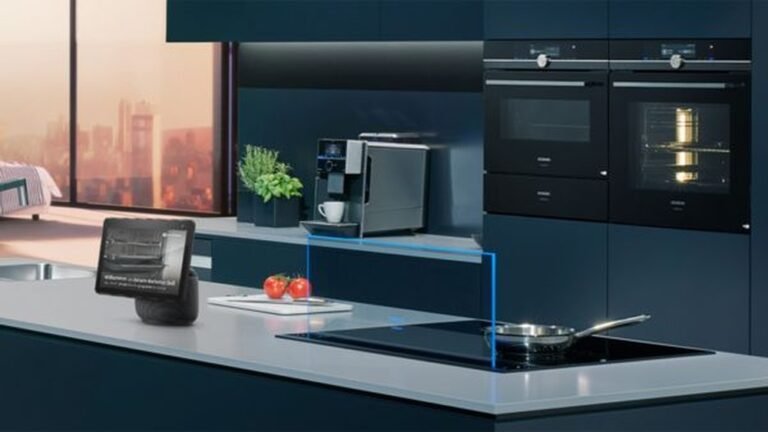
Controlling your kitchen appliances with Alexa is one of the most practical ways to make your cooking space smarter and more efficient. Imagine turning on your coffee maker with just your voice, or asking Alexa to preheat your oven while your hands are covered in dough. This isn’t science fiction—it’s possible today with the right devices and setup. In this article, you’ll learn how to connect kitchen appliances to Alexa, what you need to get started, and how to get the most out of this smart technology.
What You Need To Control Kitchen Appliances With Alexa
Before you start, it’s important to know which devices and setups work with Alexa. Not every kitchen appliance is compatible, but there are options for most modern kitchens.
Essential Requirements
- Alexa-enabled device: Such as an Echo Dot, Echo Show, or similar.
- Wi-Fi network: Stable internet connection is needed.
- Smart kitchen appliances: Appliances must support Alexa or be compatible with smart plugs.
- Alexa app: Available for free on Android and iOS.
Common Compatible Appliances
Some brands build Alexa support directly into their products, while others need a smart plug to work. Here’s a quick comparison:
| Appliance Type | Direct Alexa Support | Works With Smart Plug |
|---|---|---|
| Coffee Maker | Yes (select models) | Yes |
| Microwave | Yes | No |
| Slow Cooker | Some models | Yes |
| Electric Kettle | Rare | Yes |
| Oven | Yes (high-end models) | No |
It’s important to check if your appliance is “Alexa-enabled” or if you need a smart plug.
Setting Up Kitchen Appliances With Alexa
Getting started is easier than you might think. Most users can set up one or two devices in under 30 minutes.
1. Connect Your Alexa Device
First, plug in your Echo or Alexa-enabled device and connect it to your Wi-Fi using the Alexa app.
2. Add Smart Appliances Or Plugs
- For Alexa-enabled appliances, use the manufacturer’s instructions to connect the appliance to your Wi-Fi, then add it in the Alexa app.
- For regular appliances, plug them into a compatible smart plug. Set up the smart plug with its own app first, then link it to Alexa.
3. Discover Devices In Alexa App
Open the Alexa app and go to “Devices” > “Add Device. ” Alexa will search for new appliances or smart plugs.
4. Assign Names And Groups
Give each appliance a clear name like “coffee maker” or “kitchen light. ” You can also group devices by room for easier control.
5. Test Voice Commands
Try commands like:
- “Alexa, turn on the coffee maker.”
- “Alexa, preheat the oven to 350 degrees.”
- “Alexa, turn off the slow cooker.”
Not all appliances support advanced features. For example, a smart plug can only turn a device on or off, not control temperature or settings.
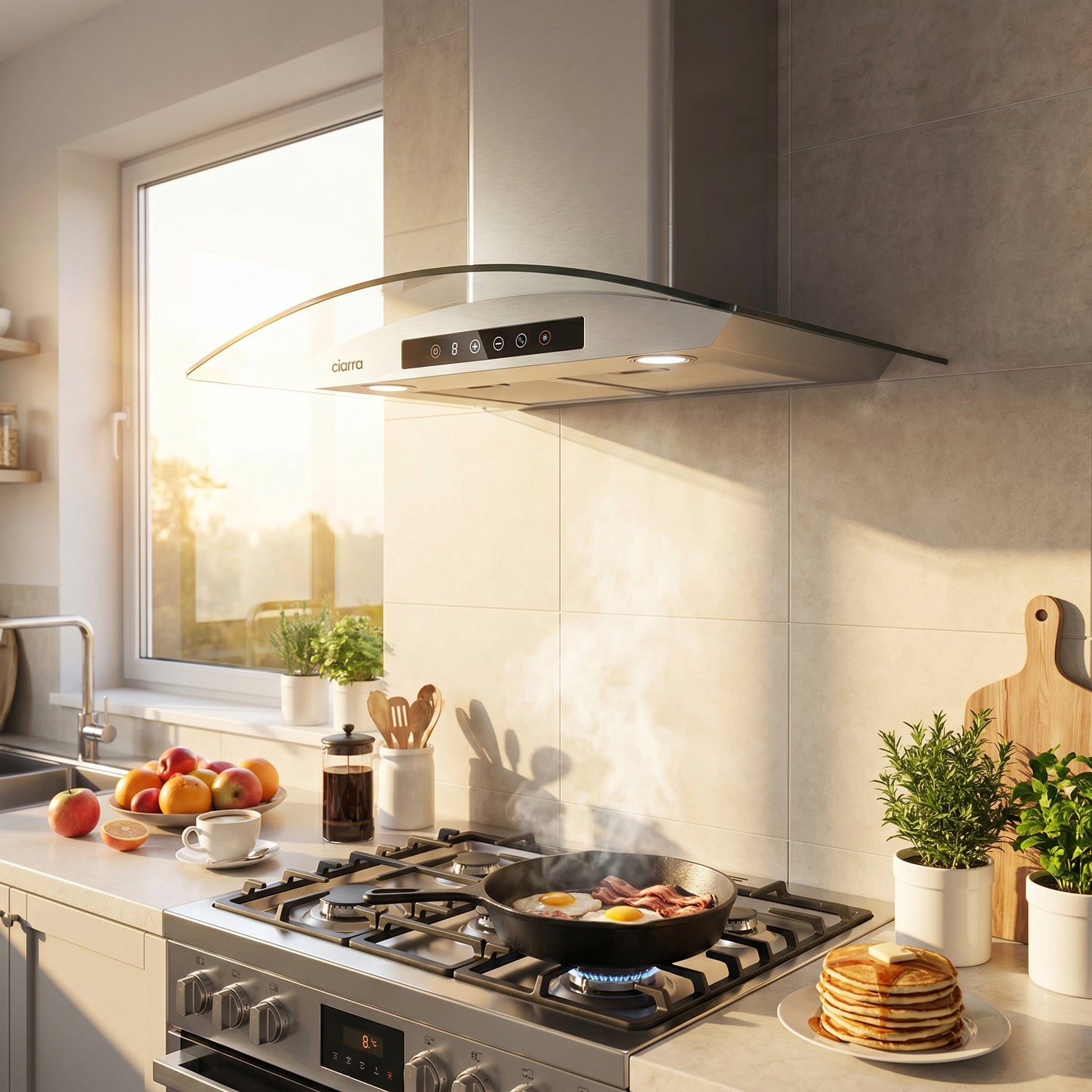
Credit: us.ciarraappliances.com
Best Practices For Voice-controlled Kitchens
Making your smart kitchen easy and safe to use goes beyond basic setup. Here are some useful tips:
- Label appliances clearly in the Alexa app. Avoid similar names to prevent confusion.
- Use routines to automate multiple actions. For example, set a “Good Morning” routine that turns on the lights and starts your coffee maker.
- Check device compatibility before buying new appliances. Look for “Works with Alexa” on the packaging or product page.
- Update firmware for both appliances and Alexa regularly to get new features and security patches.
- Monitor power usage with smart plugs that offer energy tracking. This can help you save on electricity bills.
A common mistake is placing the Echo device too far from the kitchen. For best results, put your Echo within voice range, but away from water and heat.
Popular Alexa-compatible Kitchen Appliances
Smart kitchen tech is growing fast. Here’s a quick look at some popular Alexa-compatible appliances and their features:
| Appliance | Brand Example | Main Feature |
|---|---|---|
| Smart Coffee Maker | Hamilton Beach | Schedule or start brew by voice |
| Smart Microwave | AmazonBasics | Voice-activated cooking presets |
| Smart Oven | GE Profile | Remote preheat and timer control |
| Smart Slow Cooker | Crock-Pot | Adjust settings and turn off by voice |
| Smart Plug | TP-Link Kasa | Control simple appliances (on/off) |
New models are released often. Always check recent reviews and compatibility before buying.
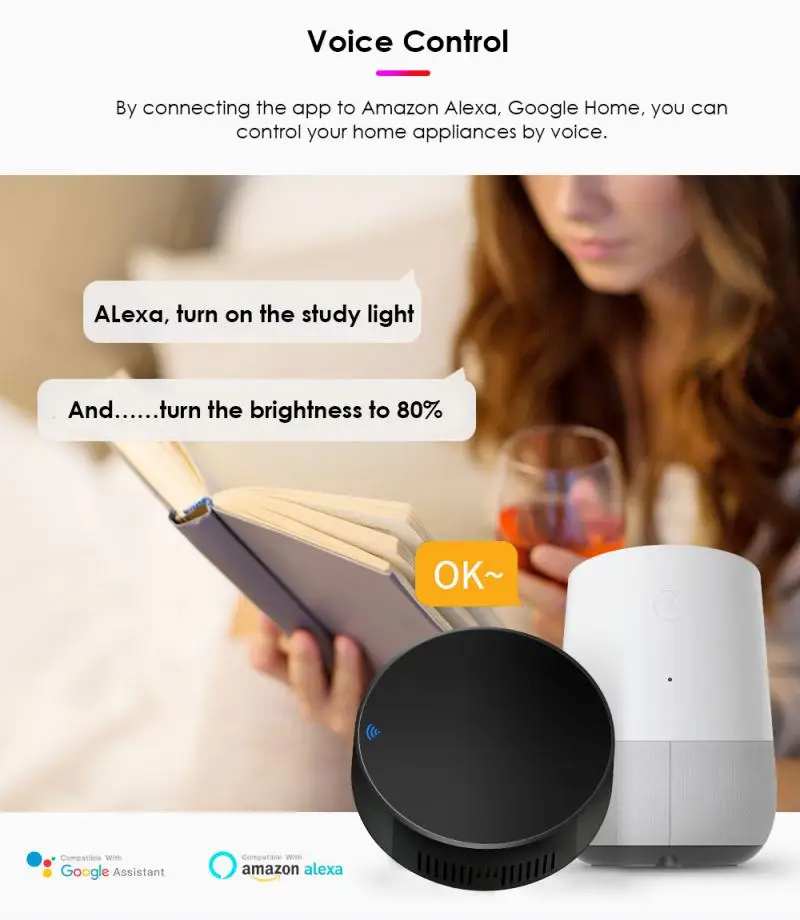
Credit: www.medonemedicalgroup.com
Advanced Alexa Features For Kitchen Control
Alexa offers more than just on/off control. Many users miss these advanced features:
- Routines: Automate multiple tasks with one command. Example: “Alexa, dinner time” can dim lights and turn on your oven.
- Timers and reminders: Set cooking timers by voice and get reminders when food is ready.
- Shopping lists: Quickly add missing ingredients to your grocery list.
- Multi-room audio: Listen to recipes or music while you cook, across different speakers in your home.
Some smart ovens and microwaves even let you scan a barcode on food packaging using the Alexa app. Alexa will then set the correct cook time and power automatically—a feature many beginners overlook.
Security And Privacy Considerations
While smart kitchens are convenient, there are privacy and safety points to consider:
- Voice data: Amazon stores voice recordings to improve service. You can review and delete these in the Alexa app.
- Appliance safety: Never use a smart plug with high-power appliances like toasters or air fryers unless the plug is rated for them.
- Firmware updates: Always keep your devices updated to protect against security threats.
For more detailed privacy information, visit the Amazon Alexa Privacy Hub.

Credit: www.amazon.com
Frequently Asked Questions
How Do I Know If My Kitchen Appliance Works With Alexa?
Check the product’s box or manual for “Works with Alexa. ” For older devices, you can use a smart plug, but you’ll only get basic on/off control.
Can I Control My Oven Temperature With Alexa?
Yes, but only if the oven is “Alexa-enabled. ” With a smart plug, you can only turn the oven on or off, not set the temperature.
Is It Safe To Leave Appliances Plugged Into Smart Plugs?
For low-power devices like coffee makers or slow cookers, it’s usually safe. Never use smart plugs with high-wattage appliances unless the plug supports them.
Can Alexa Start My Coffee Maker In The Morning Automatically?
Yes. You can set a routine in the Alexa app to turn on your coffee maker at a scheduled time if it’s plugged into a compatible smart plug or is Alexa-enabled.
What Happens If My Wi-fi Goes Out?
Alexa and your smart devices need Wi-Fi to work. If your Wi-Fi is down, you’ll have to control appliances manually until the connection returns.
Bringing Alexa into your kitchen can save time, make cooking more fun, and help you manage daily tasks with ease. With the right setup and a few smart devices, you can transform your kitchen into a truly modern, hands-free space.