
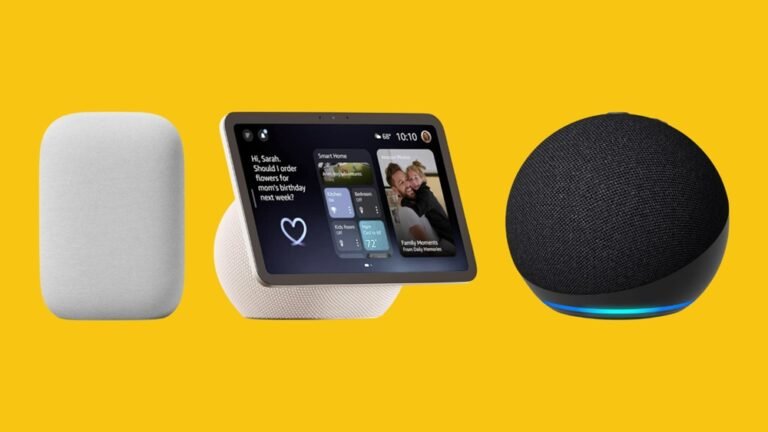
Smart speakers have changed how we cook, shop, and organize in the kitchen. Two leaders—Amazon Alexa and Google Home—promise to make daily cooking easier. But which one is better for your kitchen? This guide compares their strengths and weaknesses so you can decide confidently.
Voice Assistant Basics In The Kitchen
Both Alexa and Google Home are voice-activated smart speakers. You can set timers, ask for recipes, play music, or add items to your shopping list—all hands-free. In a busy kitchen, this means less mess on your phone and more focus on cooking.
However, Alexa and Google Home each have unique features. Let’s look at how they handle common kitchen tasks.
Cooking Assistance: Recipes, Timers, And More
Smart speakers are most useful when your hands are full. Here’s how each performs:
| Feature | Amazon Alexa | Google Home |
|---|---|---|
| Recipe Search | Accesses Allrecipes, Food Network, Tasty, and others by voice. | Pulls recipes from Google Search, supports step-by-step guides. |
| Step-by-Step Cooking | Guided cooking with some third-party skills, but can be less conversational. | Very natural, lets you pause, repeat, and ask questions during steps. |
| Multiple Timers | Excellent—set and name multiple timers (“pasta timer,” “bread timer”). | Supports multiple timers, but naming is less flexible. |
| Ingredient Substitutions | Can answer, but less context-aware. | Often provides smarter, more detailed substitutions thanks to Google Search. |
One non-obvious advantage with Alexa is the huge skill library. You can enable specialized cooking skills, like wine pairing or meal planning. However, Google Home tends to be better at understanding natural language, which helps when you’re improvising.
Credit: www.skandyspine.com
Shopping And Grocery Lists
Adding groceries by voice is a big time-saver, especially when your hands are wet or sticky.
| Task | Alexa | Google Home |
|---|---|---|
| Add to Shopping List | Easy, integrates with Amazon app. Can order directly from Amazon. | Adds to Google Keep or Google Shopping List. No direct store ordering. |
| Read Back Items | Reads items, can delete or check off by voice. | Reads items, but list management is simpler. |
| Share List | Share via Alexa app, but a bit clunky for some users. | Share easily with family via Google account. |
A beginner mistake is to rely on the built-in shopping list alone. With Alexa, you can connect other apps (like AnyList) for more advanced features. Google Home’s list is basic but integrates with other Google services seamlessly.
Smart Kitchen Integration
If you have smart appliances—like Wi-Fi ovens, smart coffee makers, or connected lights—compatibility matters.
- Alexa has a wider range of supported kitchen devices. Many brands design their smart appliances to work first with Alexa. For example, you can preheat ovens or start a coffee maker by voice.
- Google Home supports many devices, but sometimes lags in new product support. However, it’s catching up quickly.
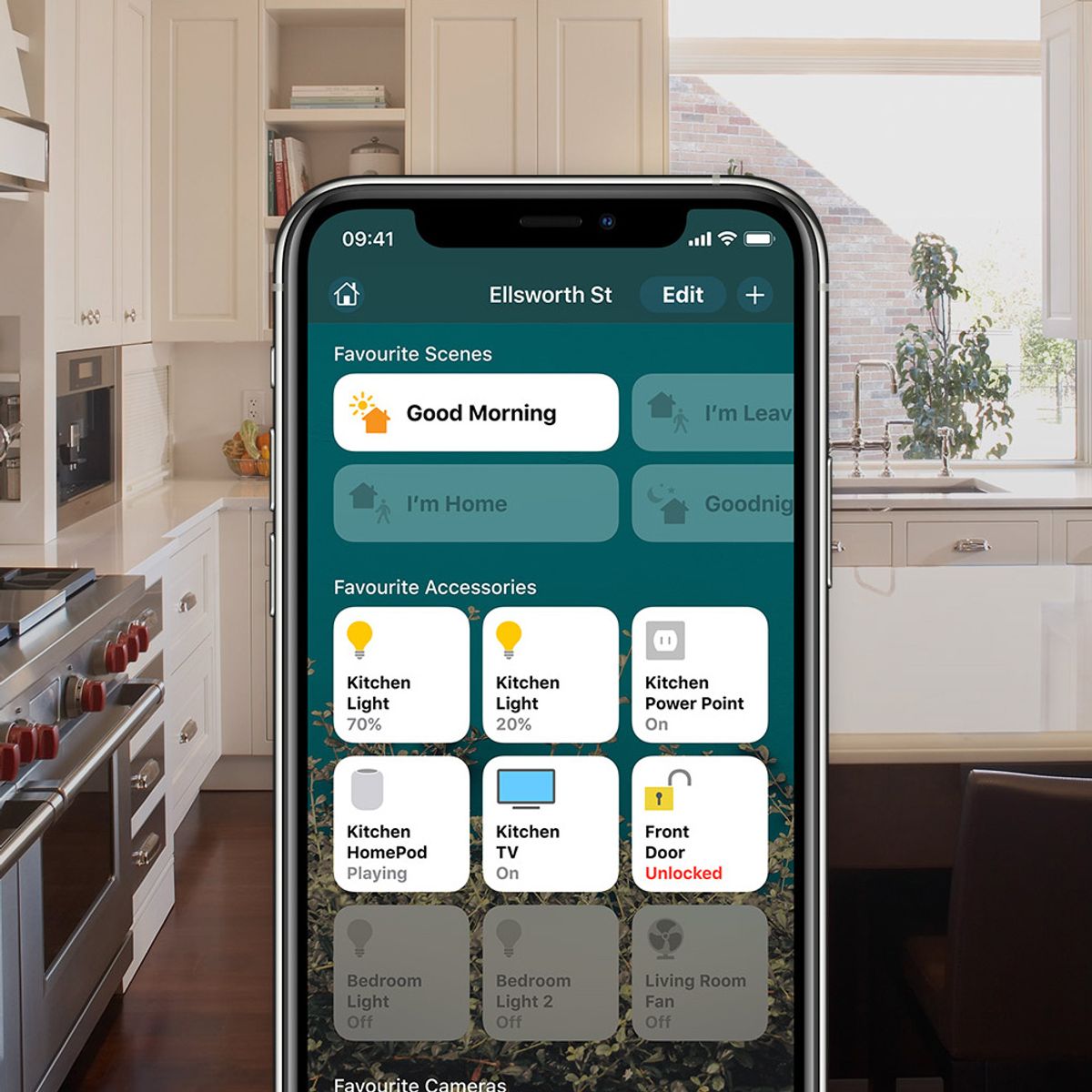
A detail often missed: Alexa lets you create custom routines (like “Good morning” starts coffee and news), while Google Home routines are simpler but easier to set up.

Credit: www.amazon.com
Music, Podcasts, And Entertainment
Cooking is more fun with music or a good podcast. Both systems offer:
- Streaming from Spotify, Apple Music, Pandora
- Access to news briefings or podcasts by voice
- Multi-room audio (play the same song across the house)
Alexa wins if you use Amazon Music or Audible, while Google Home works better with YouTube Music and Google Podcasts. Both speakers can link to Bluetooth, but Alexa also supports drop-in intercoms, letting you call other rooms—useful when announcing dinner.
Privacy And Security
Voice assistants always listen for a wake word, which raises privacy concerns.
- Alexa allows you to mute the microphone and delete voice history from the app or by voice.
- Google Home has similar controls and is transparent about what data it collects.
One subtle difference: Google Home’s default privacy settings tend to be stricter, and Google’s history deletion options are easier to access for some users.
Cost And Value
Entry-level models of both Alexa (Echo Dot) and Google Home (Nest Mini) often sell for $30–$50. Prices go higher for models with screens, like the Echo Show or Nest Hub.
If you want a display to watch recipe videos, consider a model with a screen. Amazon’s Echo Show is especially popular for kitchens, but Google’s Nest Hub integrates tightly with YouTube for video recipes.
Which Is Better For Your Kitchen?
Choosing between Alexa and Google Home comes down to your priorities:
- If you want deep smart home control and shopping through Amazon, Alexa is often best.
- If you prefer natural conversation and are invested in Google services (Gmail, Google Calendar, YouTube), Google Home will feel smoother.
For beginners, Google Home’s language understanding is a big plus. But Alexa’s massive skill library and device support are hard to beat if you like customizing your kitchen tech.
A small tip: Whichever you choose, place your speaker away from the stove and sink—steam and splashes can damage electronics.

Credit: www.giovannirosso.com
Frequently Asked Questions
Which Smart Speaker Has The Best Recipe Support?
Google Home is excellent for step-by-step recipes, especially if you like asking questions as you cook. Alexa is strong too, with a large variety of third-party recipe skills, but it’s less conversational.
Can I Control My Smart Oven Or Coffee Maker With These Devices?
Yes, but check compatibility first. Alexa supports more brands and devices, but Google Home is improving quickly. Always look for the “Works with Alexa” or “Works with Google Assistant” label.
Is It Safe To Use Smart Speakers In The Kitchen?
Yes, if you keep the device away from water and heat. Choose a spot away from the stove and wipe surfaces often. Both speakers are designed for home use, but moisture and spills can cause damage.
Can Both Alexa And Google Home Recognize Different Voices?
Absolutely. Both use voice match technology to give personalized answers for timers, shopping lists, and calendars. You’ll need to set this up in the app.
Where Can I Find More Details About Smart Speaker Privacy?
For a deeper look at privacy and data security, check the official resources at Google Nest Help.
Choosing between Alexa and Google Home for your kitchen isn’t easy, but both offer big benefits. Think about which features matter most for your cooking style, tech setup, and privacy comfort. Either way, you’ll likely cook smarter, save time, and enjoy your kitchen more than ever.