
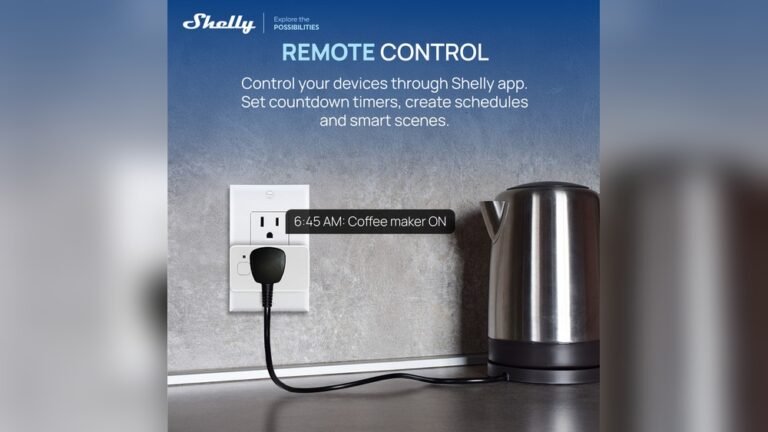
Automating your kitchen is no longer a dream from the future. With smart plugs, you can control and schedule your kitchen appliances using just your voice or a smartphone. This simple upgrade not only saves time but also cuts down energy costs and adds a touch of convenience to your everyday life. Let’s explore how you can transform your kitchen into a smart space using these compact, powerful devices.
What Are Smart Plugs And How Do They Work?
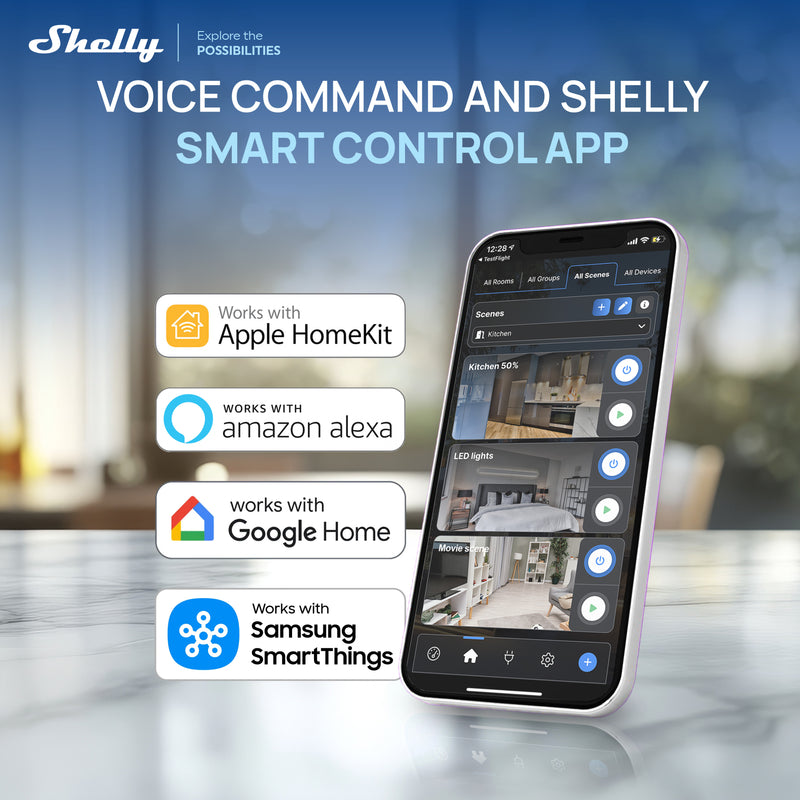
A smart plug is a small device that fits between your wall outlet and any appliance. Once connected to your Wi-Fi, it lets you control the appliance remotely. Most smart plugs work with Amazon Alexa, Google Assistant, or their own apps. This means you can turn devices on or off with your voice or set schedules for your coffee maker, toaster, or slow cooker.
One insight many people miss: not every kitchen device works with smart plugs. Devices with digital controls that require a button press after power is restored won’t start automatically. Always check your appliance type before buying.
Why Automate Your Kitchen With Smart Plugs?
- Save Energy: Schedule high-energy devices to run only when needed.
- Improve Safety: Turn off forgotten appliances from anywhere.
- Convenience: Wake up to a fresh coffee or return home to a preheated oven.
- Cost Savings: Stop phantom energy drain from devices left on standby.
Many beginners overlook the fact that using smart plugs can also help track energy usage. Some models provide real-time usage stats, allowing you to spot wasteful appliances easily.
Choosing The Right Smart Plug For Your Kitchen
Not all smart plugs are equal. Here’s a quick comparison of three popular options:
| Brand | Max Power | Voice Assistant Support | Energy Monitoring | Price Range |
|---|---|---|---|---|
| TP-Link Kasa | 1800W | Alexa, Google | Yes | $15–$25 |
| Amazon Smart Plug | 1800W | Alexa | No | $20–$25 |
| Meross | 1800W | Alexa, Google | Yes | $10–$20 |
Key things to consider:
- Power rating: Make sure the plug supports your appliance’s wattage.
- Size: Some smart plugs are bulky and can block other outlets.
- App features: Look for scheduling, away modes, and energy tracking.
Setting Up Smart Plugs In Your Kitchen
Getting started is easier than you think. Here’s a step-by-step guide:
- Choose the appliance you want to automate (e.g., coffee maker, kettle, slow cooker).
- Plug in the smart plug to a wall outlet, then connect your appliance.
- Download the app that matches your smart plug’s brand.
- Connect the smart plug to your Wi-Fi network following the app’s instructions.
- Name the plug (e.g., “Coffee Maker”) for easy voice control.
- Set schedules or timers in the app.
- Integrate with voice assistants if you use Alexa or Google Home.
A common mistake: placing smart plugs where Wi-Fi is weak. Make sure your router signal is strong in your kitchen for reliable automation.

Credit: us.aqara.com
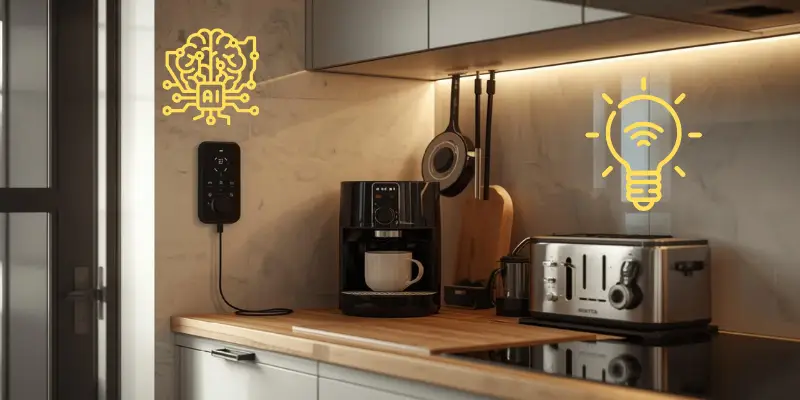
Creative Ways To Automate Your Kitchen
Smart plugs do more than just turn things on or off. Here are some creative uses:
- Morning Routine: Schedule your coffee maker to start brewing before you wake up.
- Meal Prep: Turn on the slow cooker from work, so dinner is ready when you get home.
- Safety Timer: Set a timer for your toaster to prevent overheating.
- Holiday Lights: Automate decorative lights or window candles for festive seasons.
- Pet Feeders: Power automatic pet feeders at precise times each day.
Some users don’t realize you can combine multiple smart plugs into “scenes. ” For example, a “Breakfast” scene can power up your coffee maker and toaster at once.
Common Pitfalls And How To Avoid Them
- Wrong Appliance Choice: Don’t use smart plugs with refrigerators or microwaves. These appliances need stable power and often have complex controls.
- Overloading: Always check the wattage limits. Overloading can cause plugs to overheat.
- Network Issues: If your Wi-Fi is slow or unstable, automation may fail. Consider a Wi-Fi extender if your kitchen is far from the router.
- Firmware Updates: Keep your smart plug apps updated. This prevents bugs and adds new features.
Credit: homekitchentech.com
Smart Plug Automation Ideas For Popular Kitchen Appliances
Here’s how smart plugs work with common kitchen gadgets:
| Appliance | Automation Example | Benefits |
|---|---|---|
| Coffee Maker | Schedule brewing time | Wake up to fresh coffee |
| Kettle | Pre-heat water in the morning | Save time for breakfast |
| Slow Cooker | Turn on from work | Come home to hot meals |
| Toaster | Set auto-off timer | Prevent burnt toast |
| Blender | Disable when not in use | Child safety |
How Automation Saves Energy And Money
Did you know that appliances left on standby can use up to 10% of household energy? Smart plugs cut this waste. According to the U.S. Department of Energy, using timers and schedules can save about $50–$100 per year on electricity bills. Real-time usage stats from smart plugs also help you identify which appliances use the most power.
Credit: us.shelly.com
Security And Privacy Considerations
When you connect devices to the internet, security matters. Choose smart plugs from trusted brands and use strong Wi-Fi passwords. Regularly update your device firmware. For more on smart home security, see the Consumer Reports Smart Home Guide.
Frequently Asked Questions
Can Smart Plugs Be Used With Any Kitchen Appliance?
No. Smart plugs work best with appliances that have mechanical switches. Devices with digital controls may not turn on automatically when power is restored.
Do Smart Plugs Increase My Electricity Bill?
Smart plugs use very little power (usually less than 1 watt). The energy they save by cutting standby power usually outweighs their own usage.
Can I Control Smart Plugs When I Am Not At Home?
Yes. As long as your smart plug is connected to Wi-Fi, you can control it from anywhere using the app.
Are Smart Plugs Safe To Use With High-wattage Appliances?
Only use smart plugs with appliances below the plug’s maximum wattage (usually 1800W in the US). Never connect them to ovens or refrigerators.
What If My Wi-fi Goes Down—will My Appliances Still Work?
Your appliances will still work if you turn them on manually. However, remote control and schedules will not work until the Wi-Fi is restored.
Smart plugs offer a simple, affordable way to automate your kitchen. With the right setup, you can enjoy more convenience, safety, and energy savings every day. Start small, experiment with routines, and soon your kitchen will feel smarter than ever before.