
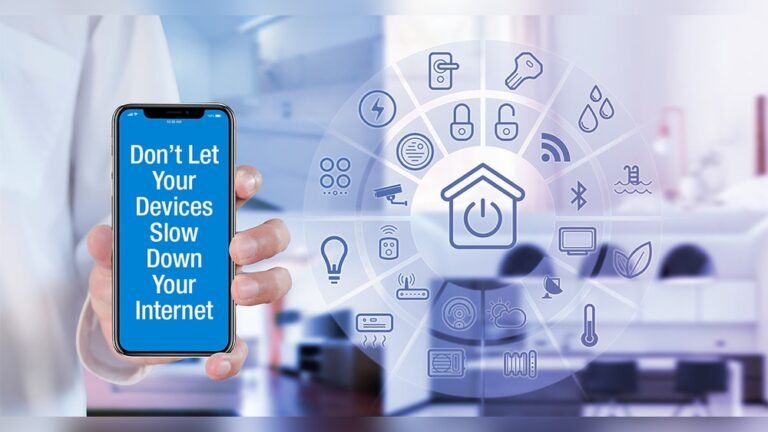
Smart appliances are becoming common in homes around the world. Refrigerators, washing machines, thermostats, and even light bulbs are now “smart,” meaning they connect to your WiFi. These devices make life easier, but many people worry they might slow down their internet.
Is it true? Let’s explore how smart appliances interact with your WiFi, when they actually affect your network speed, and what you can do to keep your connection fast.
How Smart Appliances Use Wifi
Smart appliances connect to your home WiFi to offer features like remote control, status updates, and energy monitoring. Most of these devices send small amounts of data to the cloud or your phone.
For example:
- Smart thermostats let you adjust the temperature from your phone.
- Smart refrigerators notify you if the door is left open.
- Smart washing machines can be started remotely.
Data usage for these appliances is usually low. A smart light bulb may only send a few kilobytes when you turn it on or off. Compared to streaming video or online gaming, this is tiny.
What Is “bandwidth”?
Bandwidth is the maximum amount of data your WiFi can handle at once. It’s like a highway: the more lanes, the more cars can travel without traffic jams. When too many devices use the network at the same time, your connection can slow down.
Do Smart Appliances Actually Slow Down Wifi?
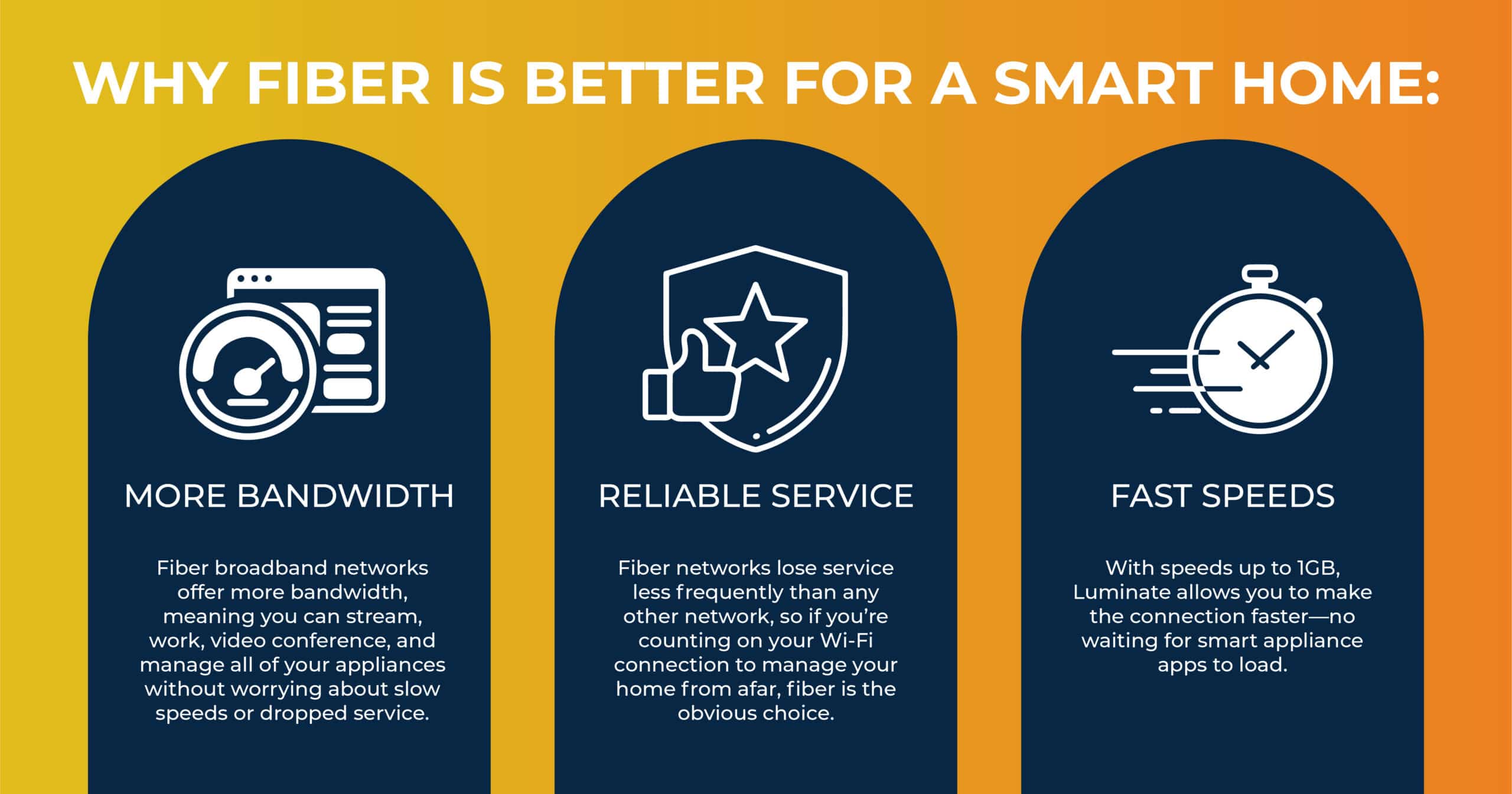
The short answer: not usually. Most smart appliances use very little bandwidth. However, there are situations where they can cause problems.
When Problems Can Happen
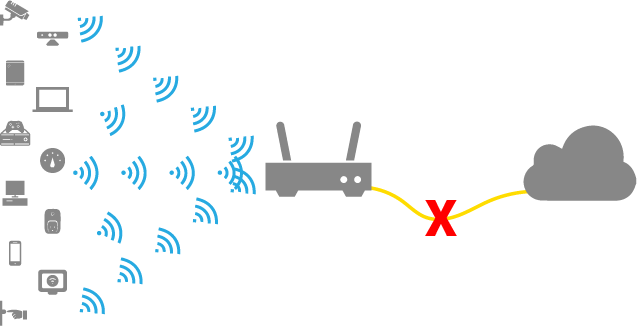
- Too Many Devices Connected
- If you have 30+ smart devices, each sending or receiving data, your WiFi router may struggle. Some routers can only handle a limited number of connections.
- Appliances with Heavy Data Usage
- Devices like smart security cameras or video doorbells stream video nonstop. This can use 1–5 Mbps per camera. If you have several, your network could slow down.
- Weak WiFi Signal
- If appliances are far from your router, they may send repeated signals to stay connected. This can create “noise” and slow down other devices.
Comparing Data Usage
Here’s a simple comparison between common smart appliances and typical home activities:
| Device/Activity | Average Data Usage |
|---|---|
| Smart Refrigerator | Less than 1 MB/day |
| Smart Light Bulb | Less than 1 MB/day |
| Smart Security Camera | 1–5 Mbps (continuous) |
| Netflix Streaming (HD) | 3–5 Mbps |
| Zoom Video Call | 2–3 Mbps |
Most appliances are low-traffic, but cameras and video devices are exceptions.
Credit: www.luminatebroadband.com
Router Capacity And Smart Appliances
Routers have a maximum device limit. Older models may support only 10–15 devices at once. Modern routers can handle 50–100. If your home has many smart devices, your router’s capacity matters.
| Router Type | Device Limit | Recommended for Smart Homes? |
|---|---|---|
| Basic Router (2010s) | 10–15 | No |
| Mid-range Router (2020s) | 50+ | Yes |
| Mesh Network System | 100+ | Best |
If your router is old or overloaded, even low-bandwidth appliances can cause trouble.
Real-life Examples
Consider a family with:
- 6 smart bulbs
- 2 smart thermostats
- 1 smart fridge
- 3 smart cameras
The bulbs, thermostats, and fridge use almost no bandwidth. But the cameras stream video all day. If the family tries to watch Netflix while the cameras are active, they may see buffering or lag.
Another example: An apartment with 15 devices, but only one old router. Even if each device uses little data, the router may drop connections or slow down.
Two Key Insights Most People Miss
- Device Count Matters More Than Data Usage
- Even low-bandwidth devices can stress a router if there are too many. Many people focus only on speed, not device numbers.
- Background Updates Can Cause Surprises
- Some appliances download firmware updates automatically. If several update at once, they might slow WiFi for a short time. This is rare, but possible.
Tips To Prevent Slow Wifi
- Upgrade Your Router
- Choose a router with high capacity if you have many smart devices.
- Use Wired Connections
- Connect devices like smart TVs or cameras with Ethernet cables if possible.
- Place Router Centrally
- Keep your router in the middle of your home for best signal.
- Separate Networks
- Some routers allow a “guest” network. Put smart appliances on this, so your main devices are less affected.
- Monitor Your Network
- Apps like Fing or your router’s dashboard can show which devices use the most bandwidth.
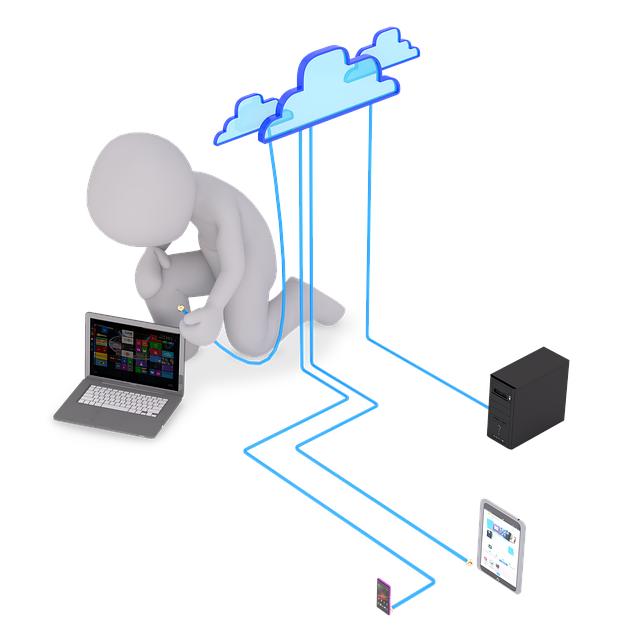
Typical Smart Home Setup
| Device Type | Connection | Bandwidth Impact |
|---|---|---|
| Smart Bulb | WiFi | Negligible |
| Smart Speaker | WiFi | Low |
| Smart Camera | WiFi/Ethernet | High |
| Smart TV | WiFi/Ethernet | Medium–High |
Credit: www.vesternet.com
Final Thoughts
Smart appliances are unlikely to slow down your WiFi unless you have many devices or several video-streaming appliances. The key is understanding your router’s limits and watching for heavy data users like cameras. Upgrading your router, separating networks, and monitoring device activity can keep your home running smoothly.
If you plan to add lots of smart devices, consider a mesh WiFi system for best results. Smart homes are convenient, and with the right setup, your WiFi can stay fast and reliable.
Frequently Asked Questions
Why Does My Wifi Slow Down When I Install New Smart Devices?
Adding new devices increases the number of connections on your router. If your router is old or has a low device limit, it may struggle to keep up, causing slowdowns.
Are Smart Security Cameras Worse For Wifi Than Other Appliances?
Yes, smart security cameras stream video constantly, using much more bandwidth than other appliances like bulbs or thermostats.
Can I Improve Wifi Speed Without Buying A New Router?
Yes. Try moving your router to a central location, reducing interference, or connecting heavy-traffic devices using Ethernet cables.
Should I Use A Guest Network For Smart Appliances?
Using a guest network can help separate smart devices from your main devices, reducing interference and improving security.
How Many Smart Appliances Can I Connect Before My Wifi Slows?
It depends on your router. Modern routers handle 50+ devices, but older ones may slow with just 10–15. Check your router’s specifications for limits. For more details, visit Consumer Reports.
Credit: www.pingplotter.com