
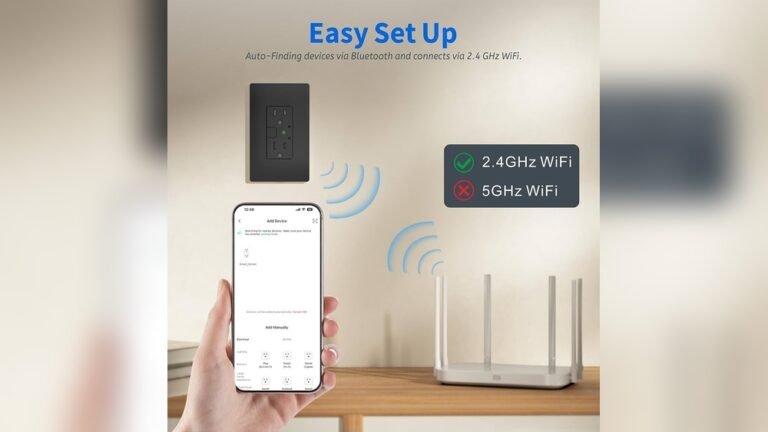
Smart kitchen appliances are changing how we cook, clean, and manage our homes. These devices connect to WiFi, allowing you to control them from your smartphone or voice assistant. But many people wonder: do smart kitchen appliances work with 5GHz WiFi? This question matters because 5GHz WiFi is faster and less crowded than the old 2.4GHz band. If your appliance only works on 2.4GHz, you might face connection problems or miss out on better performance. Let’s look at how smart kitchen appliances handle different WiFi bands, what you need to know before buying, and how to avoid common mistakes.
Understanding Wifi Bands: 2.4ghz Vs 5ghz
Home WiFi uses two main bands: 2.4GHz and 5GHz. Each has strengths and weaknesses.
- 2.4GHz offers greater range and can pass through walls better, but is slower and more crowded.
- 5GHz delivers higher speed and less interference but has shorter range.
Here’s a quick comparison to understand the basics:
| Feature | 2.4GHz | 5GHz |
|---|---|---|
| Speed | Up to 600 Mbps | Up to 1300 Mbps |
| Range | Longer | Shorter |
| Interference | High | Low |
| Device Support | Almost all devices | Newer devices only |
Most smart kitchen appliances are designed to work on 2. 4GHz because it’s more compatible and reliable for devices that need to stay connected far from the router.
Do Smart Kitchen Appliances Support 5ghz Wifi?
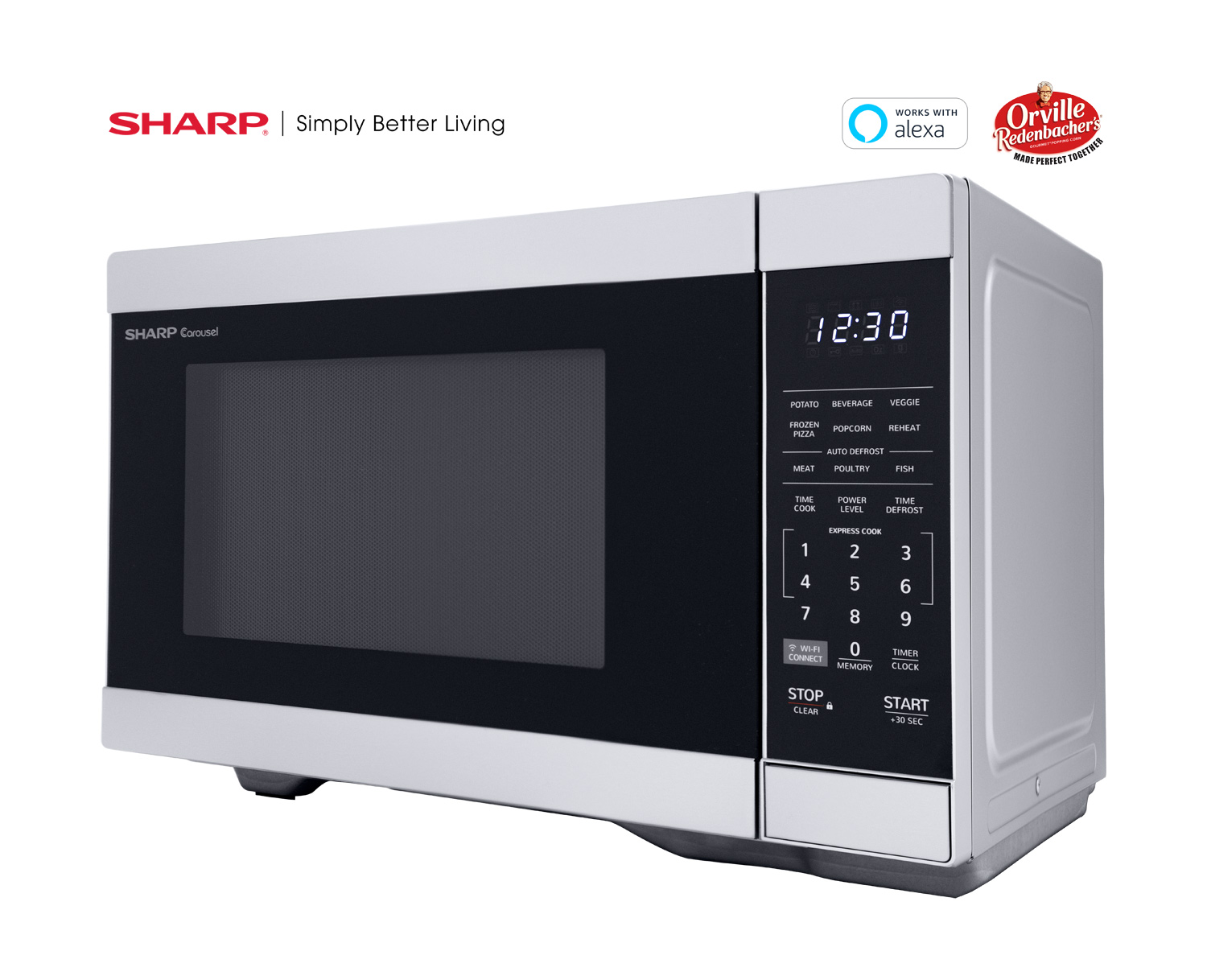
The short answer: most smart kitchen appliances do NOT support 5GHz WiFi. Brands like Instant Pot, Samsung, LG, and Philips often build their appliances to connect only on 2.4GHz. This includes:
- Smart refrigerators
- WiFi-enabled ovens
- Smart coffee makers
- Connected dishwashers
Why? The 2. 4GHz band is more stable for home appliances, especially those placed in kitchens where walls and metal can block signals. Manufacturers want their products to work in many homes, even older ones with basic routers.
But some newer, high-end appliances are beginning to support both bands. This is more common with expensive models or brands that focus on innovation. For example, some smart refrigerators from Samsung and LG now offer dual-band WiFi.
Here’s a look at brand support:
| Brand | 2.4GHz Support | 5GHz Support |
|---|---|---|
| Samsung | Yes | Some models |
| LG | Yes | Few models |
| Instant Pot | Yes | No |
| Philips | Yes | No |
| GE Appliances | Yes | Some models |
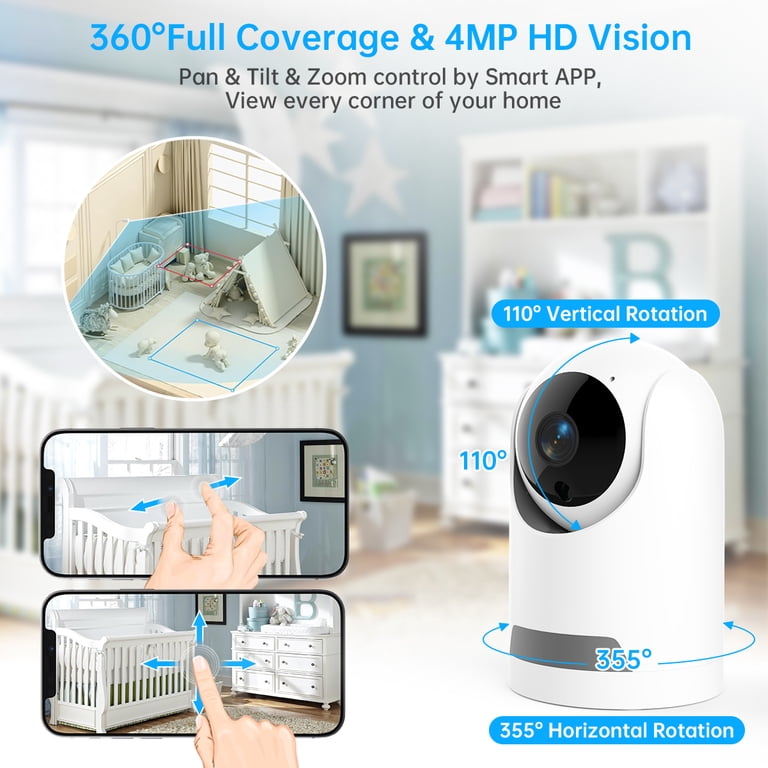
If you’re buying a smart appliance, always check the WiFi specification. Most will say “Supports 2. 4GHz only” in the manual or on the website.
Credit: www.walmart.com
Why 2.4ghz Is Still Preferred
Manufacturers choose 2.4GHz for several reasons:
- Better Range: Kitchens often have thick walls and metal surfaces. 2.4GHz signals reach farther and handle obstacles better.
- Universal Compatibility: Almost every router supports 2.4GHz. Not all homes have 5GHz.
- Lower Power Needs: Smart appliances use less power, and 2.4GHz is more efficient for simple data like on/off commands.
A hidden insight: many appliances that claim “dual-band” only use 5GHz for firmware updates, not daily operation. So, don’t assume dual-band means full support for all features.
Common Problems Connecting To 5ghz Wifi
If your smart kitchen appliance refuses to connect, you’re probably using 5GHz WiFi. The device might not “see” the network, or setup fails. Here are reasons why:
- The appliance only supports 2.4GHz.
- Your router uses one network name (SSID) for both bands, confusing the device.
- Kitchen walls or appliances block 5GHz signals.
Many users waste hours troubleshooting, not realizing the problem is the WiFi band. An easy fix: connect your phone and device to the 2.4GHz network during setup.

Credit: www.inkbird.com
How To Check And Fix Wifi Compatibility
Before buying or setting up a smart appliance:
- Read the manual: Look for “WiFi bands supported.”
- Check your router: Make sure it broadcasts both 2.4GHz and 5GHz separately.
- Use separate SSIDs: Name your 2.4GHz and 5GHz networks differently.
- Place your router wisely: Keep it close to the kitchen for stronger signal.
A practical tip: If your router only shows one network, log in to its settings and create a unique name for each band. This makes setup easier.
Here’s a comparison of setup scenarios:
| Setup Scenario | 2.4GHz Only | Dual-Band |
|---|---|---|
| Easy Appliance Setup | Yes | Sometimes |
| Connection Stability | High | Medium |
| Best for Large Homes | Yes | No |
| Firmware Updates | Slower | Faster |
What To Look For When Buying
When shopping for smart kitchen appliances, pay attention to:
- WiFi band support: Look for “2.4GHz only” or “dual-band.”
- Brand reputation: Some brands update their models for better WiFi support.
- App requirements: Some apps need your phone on the same band for setup.
Avoid these mistakes:
- Don’t assume dual-band routers mean appliances support 5GHz.
- Don’t skip checking the manual or specs.
- Don’t ignore router placement—distance matters.
For more details on WiFi standards, visit Wikipedia.
Credit: shop.sharpusa.com
Frequently Asked Questions
Can I Force My Smart Appliance To Connect To 5ghz Wifi?
No. If the appliance only supports 2. 4GHz, it cannot connect to 5GHz. You must use a 2. 4GHz network for setup and operation.
Why Do Smart Kitchen Appliances Usually Use 2.4ghz Instead Of 5ghz?
2.4GHz offers longer range and better penetration through walls. It’s more reliable in kitchens, which often have obstacles and metal surfaces.
What Happens If My Router Only Has 5ghz Wifi?
Your appliance will not connect. You need a router that broadcasts 2. 4GHz. Most modern routers offer both bands, but some mesh systems default to 5GHz.
Are There Any Smart Kitchen Appliances That Support Both Bands?
Yes, but they are rare. Some high-end refrigerators and ovens offer dual-band WiFi. Always check the specs before buying.
How Can I Improve Wifi Signal In My Kitchen?
Move your router closer, use a WiFi extender, and keep appliances away from microwaves and metal objects. This helps both 2. 4GHz and 5GHz signals reach your devices.
Smart kitchen appliances make life easier, but WiFi band support is often overlooked. Understanding how 2. 4GHz and 5GHz work can save you time and frustration. Before buying, check compatibility, use the right network during setup, and place your router wisely.
With these tips, you’ll enjoy a smooth smart kitchen experience.